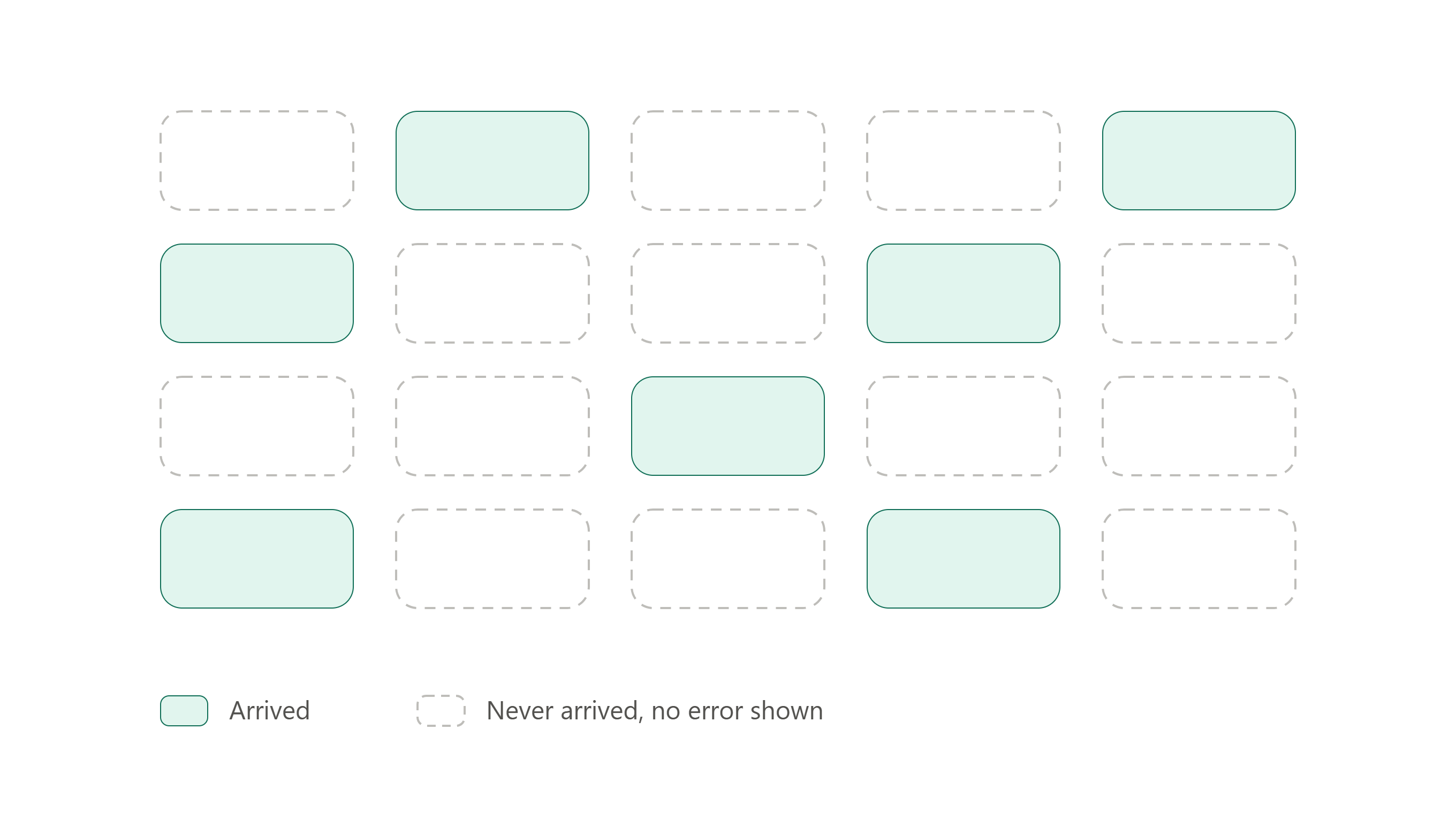
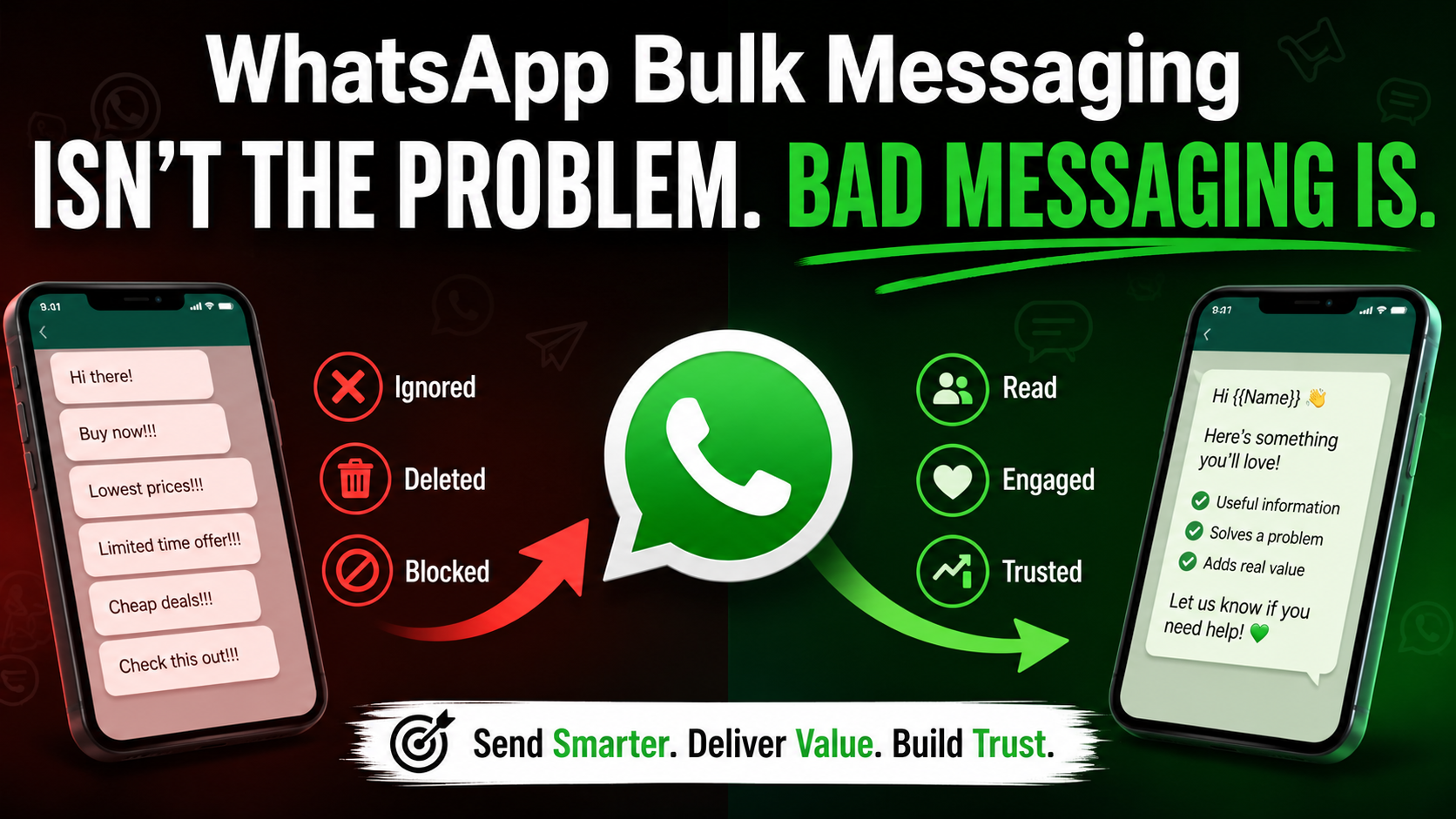
Send a message to 1,000 people on WhatsApp. If 200 of them tap Block or Report, WhatsApp will very likely turn off that message and slow down your number within hours. It does not matter if you sent it through the official paid API or a low-cost desktop tool. The trigger is the same.
That is the short answer to "how do I send bulk WhatsApp without a ban." You do not avoid a ban by picking the right software. You avoid it by not giving people a reason to block or report you. The software only decides how fast you can make that mistake, or how well it helps you avoid making it.
I build a bulk sender, so this question follows me everywhere
I am Ashok. I build and sell Windows software on my own, including BuzzRelay, a WhatsApp bulk sender that costs $27 one-time. I am not a marketing agency and I don't run a big team. It's just me.
Almost every person who looks at BuzzRelay asks the same thing before buying: "will this get my number banned?" It's a fair question. So I went and read WhatsApp's own policy pages, its quality rating rules, and complaint threads from people who pay for the official API and still got banned.
What I found does not match what most people believe. Most people think the ban comes from using a "non-official" tool. I don't think that's the real story.
WhatsApp does not check which app sent the message
WhatsApp scores every business number with something called a quality rating. It's simple: green, yellow, or red.
Green means people like your messages. Yellow means some people are blocking or reporting you. Red means a lot of them are, and your sending limit gets cut. If it stays red, WhatsApp can pause your message templates or restrict the number completely.
This score is based on how the people receiving your messages react. Not on which software sent it.
Even on the paid, official WhatsApp Business API, a new number starts on a small daily sending limit. To move up to a bigger limit, sometimes into the thousands per day, the number has to hold a green rating for about a week straight. One bad campaign, and it gets knocked back down. Templates that get too many negative reactions are flagged, then paused, then disabled if nothing changes.
Read that again. The official, paid, Meta-approved way to send bulk WhatsApp messages has its own ban system. It just calls it a "quality rating" instead of a "ban." The mechanism is the same one that catches everyone else.
There is one real exception. Modified or cloned WhatsApp apps, the kind you sideload instead of downloading from the real app store, can get detected and banned just for existing, even before anyone reports you. That is a different risk than bulk sending itself, and it's worth knowing the difference.
A temporary block is not the same as a permanent ban
These two get mixed up a lot, and the difference matters.
A temporary block usually shows up as a 24-hour countdown on your screen. It's often triggered by sending too fast, especially to numbers that haven't saved your contact. Wait it out, slow down, and the number works again.
A permanent ban has no timer. There's no waiting it out. Getting the number back means filing an appeal with WhatsApp and explaining what happened, and even then it's not guaranteed.
So one rushed, aggressive night of sending usually won't end your number for good. But treat it as a warning, not a close call you got away with. Keep repeating the same behaviour, and the temporary block stops staying temporary.
Here is what actually makes people block or report you
This is the part that matters, because this is the part you can control. Four things do most of the damage.
Sending at night. A message that lands at 11pm reads differently than one that lands at 11am. People wake up annoyed, and an annoyed person's first move is to block, not to reply. Stick to normal waking hours for the time zone your contact is actually in.
No way to opt out. If someone wants out and can't find an easy way to leave, they report you instead of just unsubscribing. Adding one line like "Reply STOP to stop these messages" and actually honouring it is one of the simplest things you can do to protect your number.
Sending the same message to everyone. A message that's off-topic for the person reading it feels like spam, even if they know your business. A customer who bought shoes once does not want your saree collection blast. Split your list by what people actually care about.
Writing like an ad, every single time. If every message is "50% OFF, buy now," people stop reading and start reporting. Mix in things they'd actually want to know — order updates, a useful tip, a genuine question — and save the hard sell for occasionally, not always.
None of these four things care what software you used. They are about what the person on the other end feels when your message lands on their phone.
The free WhatsApp Business app is enough for many small sellers
I'll say this plainly, because it's true and because it costs you nothing: if your list is small, the free WhatsApp Business app might be all you need.
It gives you broadcast lists (up to 256 contacts who have your number saved), a product catalog, auto-replies, and labels to organise chats. If you message a few dozen or a couple hundred regulars now and then, this covers you completely, and there is nothing to buy.
Where it runs out: the 256-contact broadcast cap, no way to schedule sends in advance, no personalisation across a large list, and no way to control sending speed. Once your list or your sending volume grows past what one person can manage by hand, you'll feel the ceiling.
The official WhatsApp Business API is the safest way to scale big
If you're running real volume — thousands of messages a day, a support team, a business that depends on WhatsApp as a core channel — the official API is the strongest option, and I want to be honest that it beats what I sell in several ways.
Every template is pre-approved by Meta before it goes out. Opt-out handling can be automated. You get real visibility into your quality rating instead of guessing. And because it's the sanctioned route, WhatsApp gives it more trust than any third-party tool, official or not.
The trade-off is cost and setup. Providers typically charge anywhere from around $30 to several hundred dollars a month depending on your volume, on top of per-conversation fees, and you'll need a verified business and an approval process before you send your first message. For a solo seller still testing whether their idea even works, that's often more commitment than the stage calls for.
Where a desktop bulk sender like BuzzRelay fits
Here's where I have to be straight with you, including about my own product.
BuzzRelay automates the regular WhatsApp Web interface on your own PC. It is not WhatsApp's official or sanctioned way to send business messages in bulk, and it has no partnership or endorsement from WhatsApp or Meta. That's true of every desktop bulk sender, whatever any of us claim. The account risk sits with you, the sender, not with the tool.
What it's built for: a small business owner with their own list of customers or leads who already agreed to hear from you, who wants to send personalised bulk messages without a monthly bill. It's a one-time $27 rather than a recurring fee, and it runs on a PC you control instead of sending your contacts through anyone's server.
It also has settings built around everything above — delays between messages, a daily send cap, a quiet-hours pause, and a slow "warm-up" ramp for new numbers. I built those because of the ban mechanics I described earlier, not instead of them. They lower risk. They do not remove it. If your message is the kind that makes people tap Report, no setting fixes that.
If you want to see how it behaves on your own list before deciding anything, there's a free trial with no card needed at buzzrelay.cc.
What lowers your risk, whatever tool you use
- Message only people who agreed to hear from you. Never a bought or scraped list.
- Spread a big send over hours, not one blast in a few minutes.
- Add a clear opt-out line, and actually remove people who use it.
- Split your list by what each group cares about, instead of one message for everyone.
- Send during normal waking hours for the recipient, not yours.
- Go slow on brand-new numbers. Build up sending volume over days, not hours.
- Watch your first replies after a send. If you see reports coming in, stop and fix the message before sending more.
Start with the message, not the software
Before you open any tool, write your first bulk message and read it back as if a stranger sent it to you at 11pm. If it would annoy you, it will get you reported, on the free app, the paid API, or any desktop sender, mine included.
Fix the message first. Then pick the tool that fits your list size and your budget. If you want to test a desktop sender on your own contacts before committing to anything, BuzzRelay's free trial is at buzzrelay.cc — no card required.